


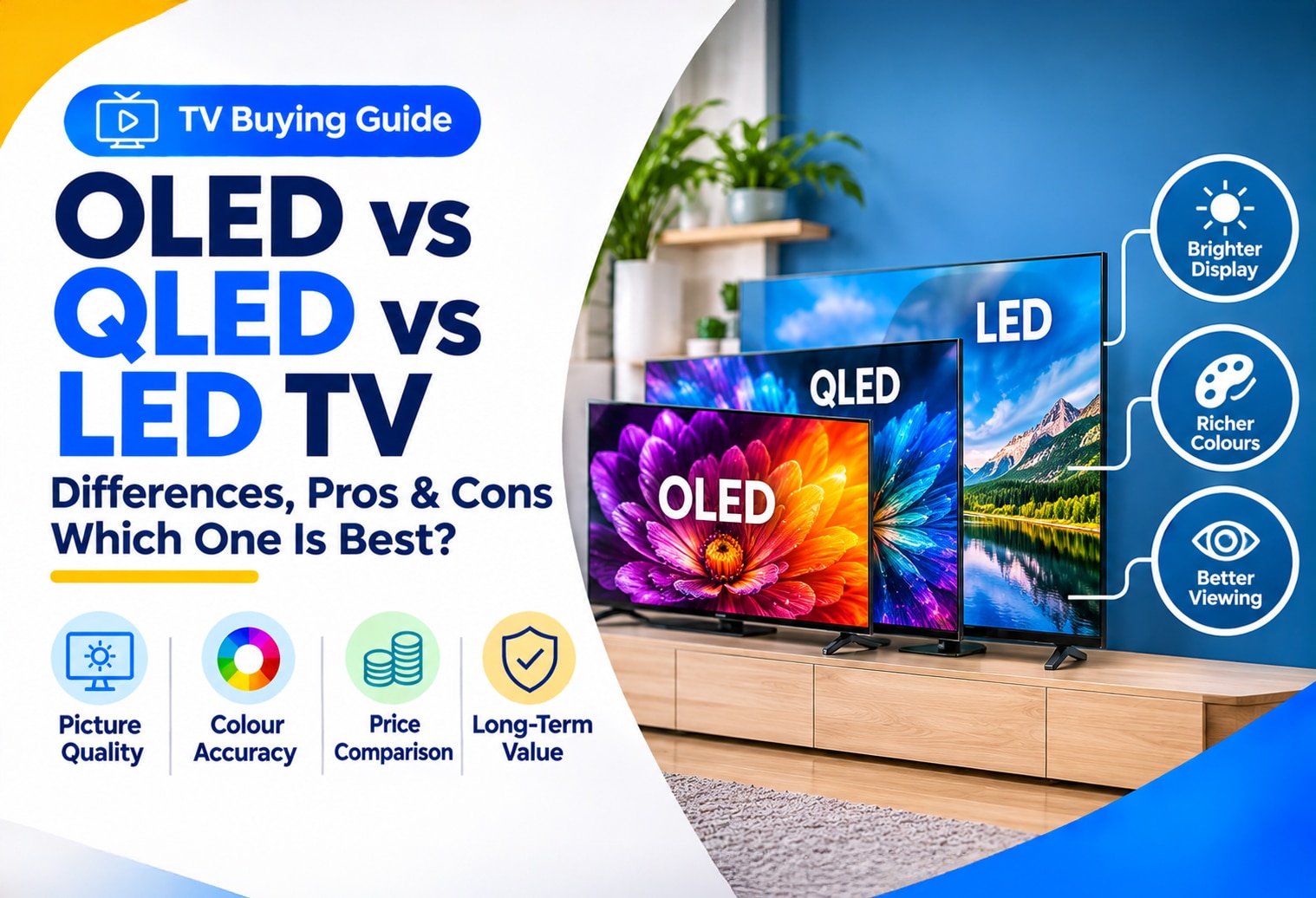
What Do OLED, QLED And LED TV Actually Mean?
Category ExplainerLED TV is an LCD screen lit from behind by LED bulbs. QLED is the same LCD screen with a quantum dot layer added for richer colour. It is still lit from behind. OLED is different, since its own pixels create light, so each one can switch off fully. That one design choice explains every difference ahead.
These 3 names cause most of the confusion in an electronics store. LED, QLED and OLED sound alike but describe different screens.
Once you know what each name means, picture, brightness and lifespan become easier to judge.
An LED TV is a liquid crystal display, or LCD, lit from behind by small LED bulbs. The LEDs do not form the picture.
They shine light through a liquid crystal layer, which blocks or lets through light to build each pixel.
A QLED TV is built the same way, with one addition. A quantum dot film sits between the backlight and the liquid crystal layer.
This film sharpens colour, so reds, greens and blues look more accurate. QLED is still an LCD screen with a backlight underneath.
An OLED TV works differently at its core. Each pixel is its own tiny light source, so it needs no separate backlight.
A pixel can switch off completely. This is not possible on any LCD based screen, however good its backlight is.
This one design choice, a backlight or no backlight, shapes most of what follows.
It decides how dark a black looks. It also decides how bright a sunlit room image can get. It decides how the screen ages over years of daily use.
Whether you are comparing a smart tv or a television for the hall, check this spec first.
| Panel name | How the light is made | What that means for you |
|---|---|---|
| LED TV | An LCD screen lit from behind by LEDs | The backlight stays on, so black looks dark grey |
| QLED TV | The same backlit LCD, plus a quantum dot layer | Richer colour and strong brightness, black still greyish |
| OLED TV | Each pixel makes its own light | A pixel can switch fully off, so black looks truly black |
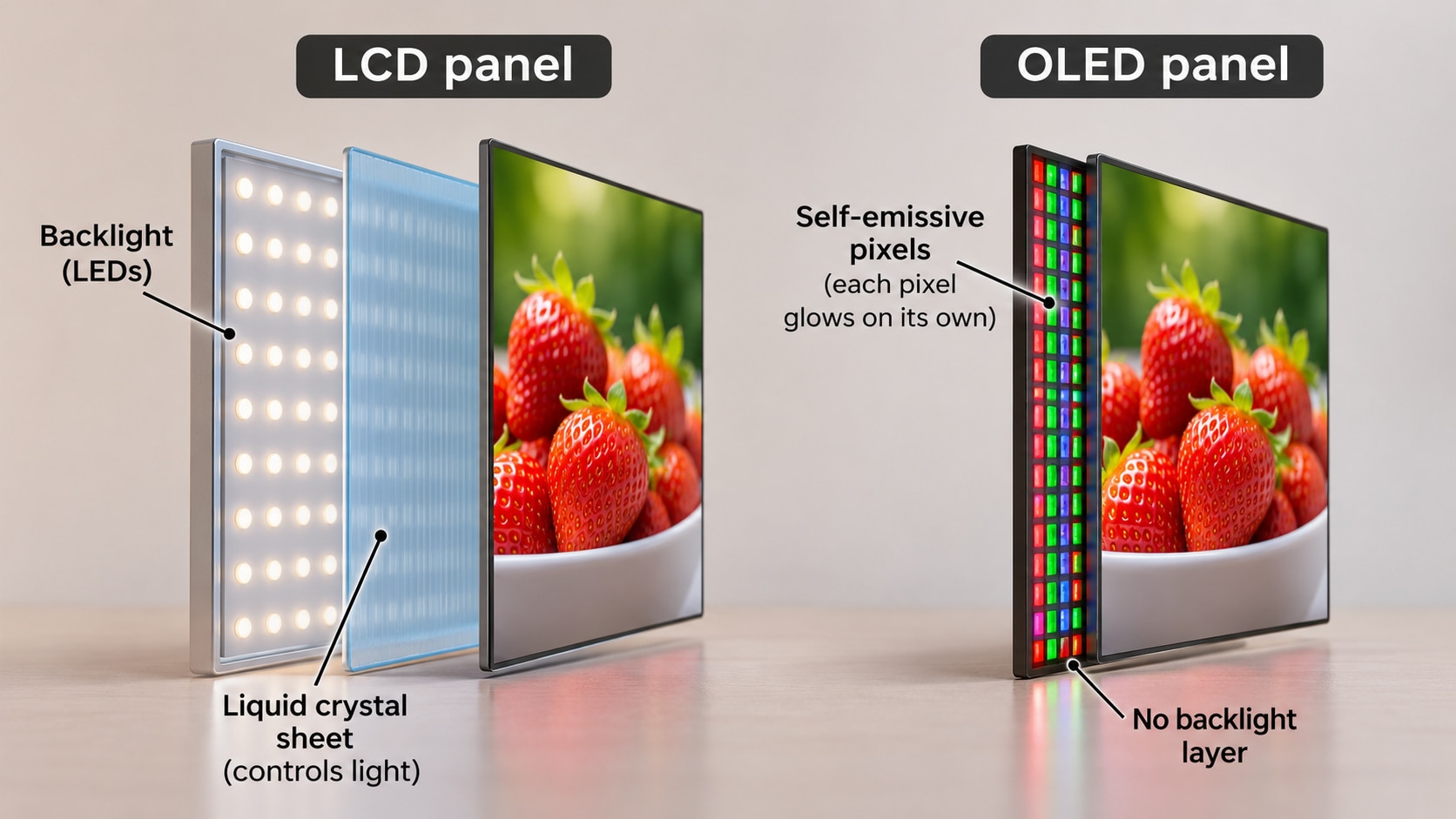 Figure 1: A backlight or no backlight is the one design choice behind every difference in this guide.
Which TV Gives The Best Picture Quality?
Buying GuideOLED gives the deepest black. Each pixel can switch off fully, so a dark scene sits next to true black. LED and QLED rely on a backlight that always leaks a little light into black areas. QLED adds a quantum dot layer for richer colour, but its blacks still depend on that same backlight.
Picture quality mostly comes down to contrast, the gap between the brightest and darkest parts of one frame. All 3 panel types handle that gap differently.
A wide gap makes an image look sharp and real.
On any LED or QLED screen, a backlight sits behind the whole panel. Even in a dark scene, some of that light leaks through. A true black is hard to reach.
OLED does not have this problem. Each pixel makes its own light, so a pixel showing black switches off completely. That is why OLED night scenes and starfields tend to look deeper.
Viewing angle follows the same logic. LCD based screens, used in both LED and QLED, can look paler from a side seat.
OLED tends to hold its picture more evenly across a wider seating spread. Every pixel sends light straight out on its own.
None of this makes one screen bad. A well made QLED with a bright quantum dot layer still looks vivid for daytime shows and sport.
That holds true especially for a good led tv built for a crowded living room.
| Panel Type | Black Level | Contrast Look | Viewing Angle |
|---|---|---|---|
| LED TV | Backlight leaks a little light into black areas | Good in a dark room, blacks stay soft | Colour fades a bit from a side seat |
| QLED TV | Same backlight, richer colour layered on top | Sharper colour, blacks still limited by backlight | Colour fades a bit from a side seat |
| OLED TV | Pixels switch off fully for true black | Deepest contrast between light and dark areas | Holds its picture evenly from wider angles |
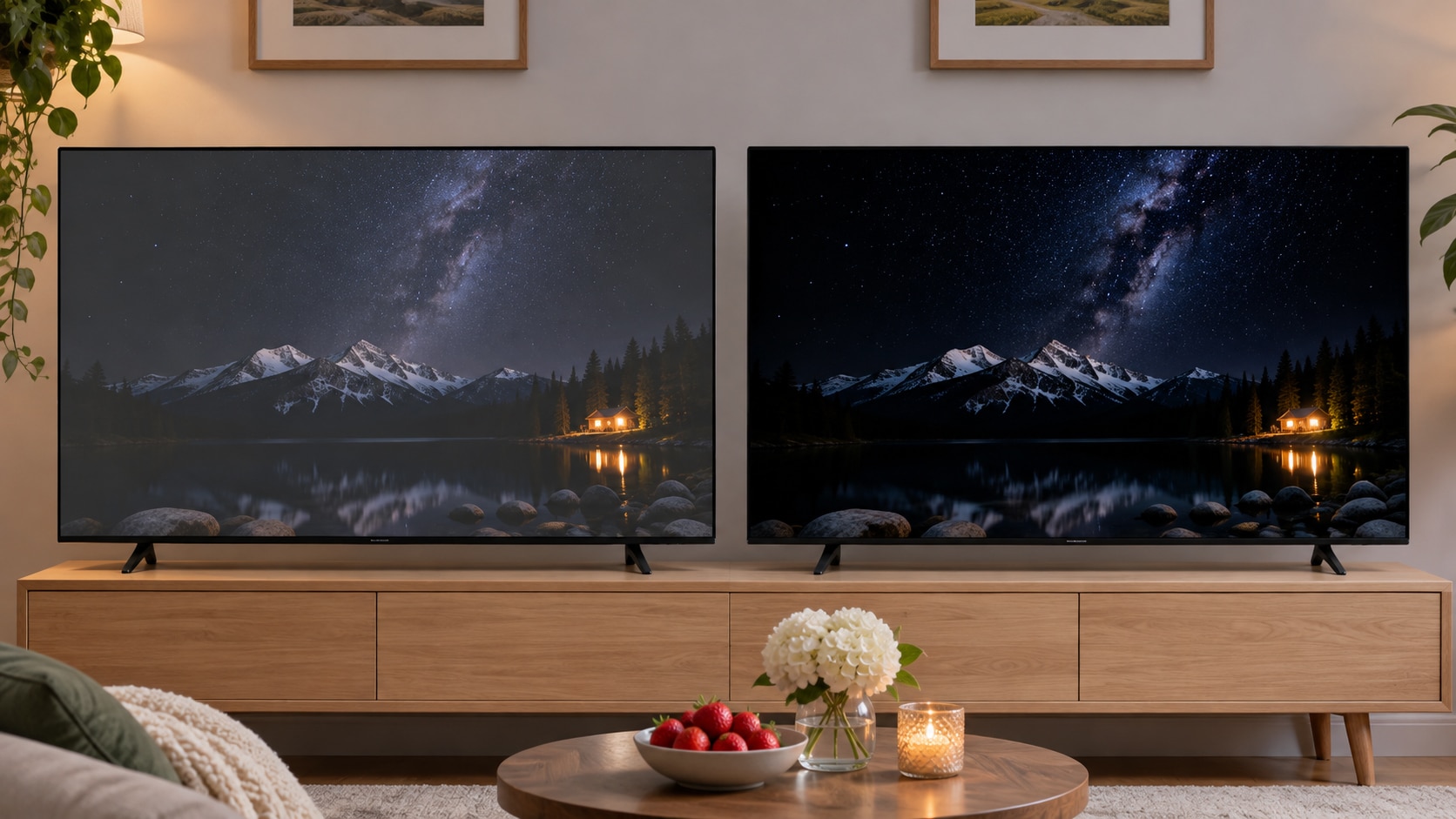 Figure 2: A pixel that switches off completely is the real reason OLED black looks different.
Which TV Type Is Brighter In A Sunlit Room?
Buying GuideIndian living rooms are often bright, with large windows and daytime viewing. In that light, a brighter screen usually looks clearer than one built mainly for a dark home theatre. LED and QLED screens typically push out more brightness than OLED. OLED still holds a real edge once the room turns dim.
Brightness is not just a marketing number. It decides whether you can see the picture clearly at three in the afternoon with the curtains open.
LED and QLED screens use a separate backlight that can be pushed harder for more brightness. That extra light output helps punch through glare from a window or a bright tube light.
OLED does not use a backlight. Pushing every pixel to full brightness for long periods adds strain to the panel.
Most OLED TVs are tuned to shine in a dim room. They sit a step behind a bright LED or QLED screen in full daylight.
This is why the honest answer depends on the room, not the panel name. A drawing room with a large window facing the street usually needs a brighter screen.
A den with blackout curtains and evening viewing can make the most of OLED contrast instead.
Automatic brightness control is worth checking either way. It adjusts a television's light output to match the room on its own [R1].
Nobody has to raise brightness by hand every time the sun moves across the window.
| Your room | Panel that suits it | Why |
|---|---|---|
| Bright drawing room, large windows, daytime viewing | LED or QLED usually clearer | Higher brightness cuts through daylight glare |
| Dim room, evening viewing, blackout curtains | OLED usually looks richer | Deep black and contrast stand out with less glare |
| Mixed use through the day | Depends on your exact room | Automatic brightness control on either type helps |
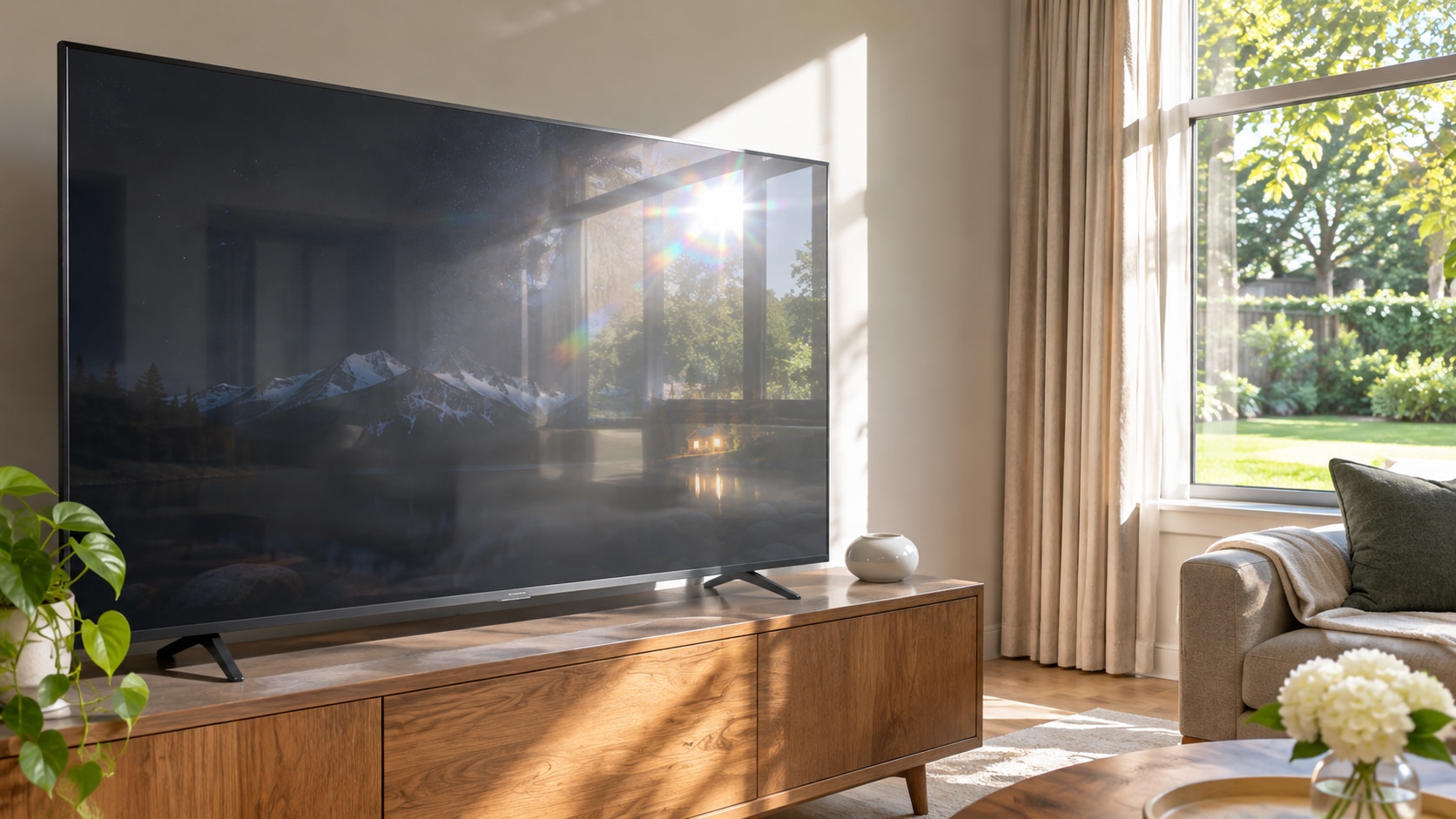 Figure 3: A bright drawing room genuinely changes which panel type looks better.
Does OLED Really Suffer From Screen Burn In?
Category ExplainerBurn in is a real risk on OLED, not a scare story. It needs one specific trigger. A bright element, like a channel logo, must stay in the exact same spot for years. Modern sets fight this with pixel shifting and logo dimming. No verified source gives an exact hour count, so this guide will not print one.
Burn in is a real risk on OLED screens. It deserves an honest answer, not a scare story.
It happens when the same bright element stays on screen for a very long stretch of time.
Each OLED pixel is its own tiny light, and pixels of different colours age at slightly different speeds.
A channel logo or a news ticker that never changes for years can wear that patch faster. It can leave a faint shadow behind.
LED and QLED screens do not share this specific problem. Their picture comes from one shared backlight, not from millions of individually ageing pixels.
That is a genuine practical difference, not a marketing myth either way.
Modern OLED TVs fight this with built in tools. Pixel shifting moves the whole image by a tiny amount every so often. Logo dimming lowers the brightness of static elements automatically.
Together these are 2 of the most common mitigation tools built into current sets.
No independent source we could verify gives an exact number of hours before burn in appears. Manufacturer marketing figures are not a fair substitute for that.
If you mostly watch one 24 hour news channel with a fixed logo, your risk is higher. It is higher than with casual viewing.
Indian consumer law also gives buyers a real option here. The Consumer Protection Act, 2019 set up the Central Consumer Protection Authority. It can act against a false or misleading product claim [R3].
That includes an exaggerated lifespan promise. Judge a screen by how you will actually use it, not by a number on a poster.
| What you watch | Effect on risk | Why |
|---|---|---|
| Same news logo in one corner for hours daily | Raises risk | A static bright element ages those pixels faster |
| Mixed viewing, films, sport and shows | Lowers risk | The picture keeps moving, so no pixel is singled out |
| Screen left paused for long stretches | Raises risk | Turn the set off instead of leaving it paused |
| Built in pixel shifting and logo dimming | Lowers risk | Most current OLED sets include these |
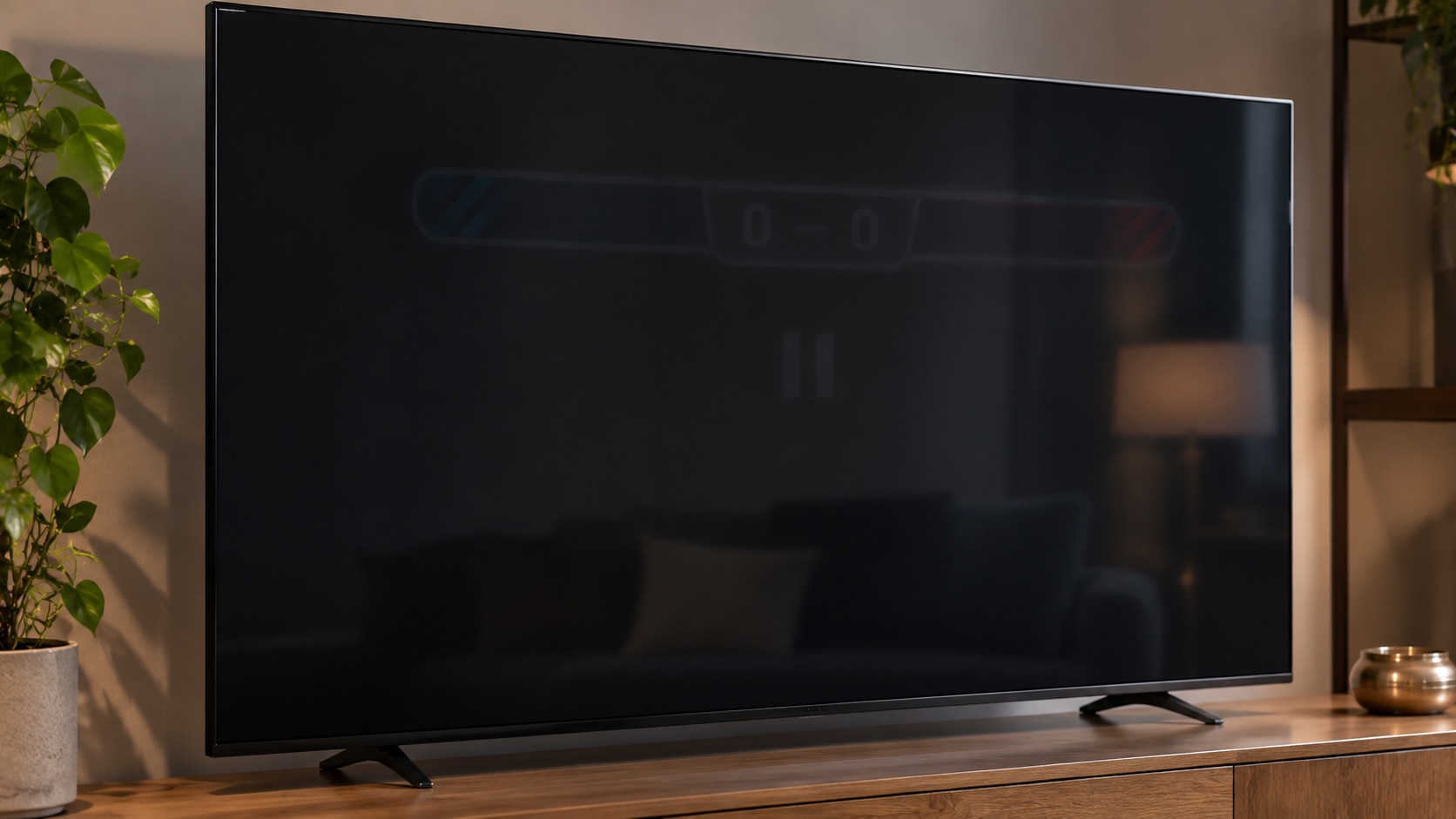 Figure 4: A fixed logo left in one spot for years is the real risk, not normal daily viewing.
What Screen Size Suits A Small Living Room?
Buying GuideScreen size should match your seating distance, not the size of your wall. Measure the distance in feet, convert it to inches, then divide by 2 for a recommended diagonal size. A 6 foot distance suggests a 36 inch screen. Panel type matters less than this one simple measurement.
A common mistake is buying the biggest screen that fits the wall. The seating distance in your own room matters far more than wall space alone.
One simple formula covers most homes. Measure the distance from the seating spot to the screen in feet. Convert that to inches, then divide by 2. That gives a recommended diagonal screen size in inches.
A small room with about 6 feet between the sofa and the wall needs a 36 inch screen.
For a larger 10 foot hall, the same formula points to a 60 inch screen instead.
Keep screen height close to eye level too. It should sit within about 15 degrees of your natural eye line. This holds whether you mount it on the wall or place it on a unit.
A tv wall mount can help fine tune that height once you know the target.
Resolution matters alongside size. A larger screen viewed from a short distance makes a low resolution picture look soft and blocky. Bigger screens generally call for a sharper picture, not just more brightness.
| Seating distance | Screen size that suits | Note |
|---|---|---|
| 6 feet seating distance | 36 inch screen | Distance in inches divided by 2 |
| 8 feet seating distance | 48 inch screen | Same formula for a mid size room |
| 10 feet seating distance | 60 inch screen | Typical for a larger hall or drawing room |
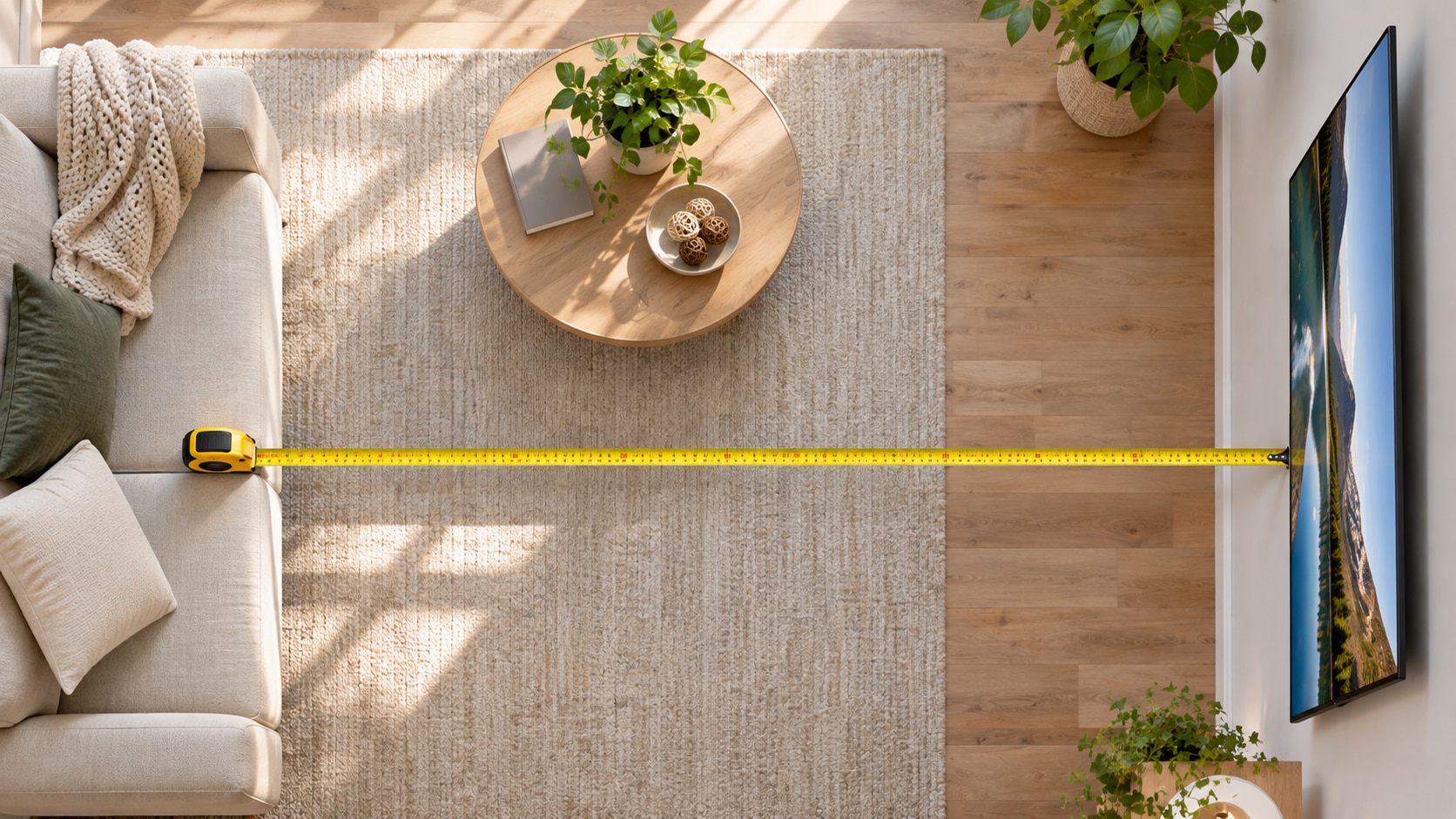 Figure 5: Measure the room before you pick the screen size, not after.
OLED vs QLED vs LED TV: Which Should You Buy?
Buying GuideThere is no single best panel for every home. Match the choice to your room's light, your seating distance and what you mostly watch. A bright drawing room favours LED or QLED. A dim den favours OLED. Follow these 5 steps to narrow the decision instead of guessing at a store counter.
Choosing between these three panel types is really about your room, not a fixed ranking. Five simple checks help most households decide.
- Check how much daylight your room gets and at what time you usually watch.
- Measure your seating distance and match it to a screen size using the formula from the section above.
- Ask whether you leave one channel or a paused screen on for hours at a time.
- Decide how much you want to spend, since OLED panels usually sit above LED.
- Confirm at least 4 HDMI ports. Also check for a refresh rate of 120 Hertz for cricket or fast sport.
- Check the BEE star label on the box. A higher star rating usually means lower running cost [R2].
Go through these once, and the panel type that fits your home usually becomes obvious. None of the three is a wrong choice, only a mismatched one for a particular room.
Add a good hdmi cable capable of the full refresh rate if your existing one is old. You can browse more buying guides on the JioMart blog for other home appliances.
| Your Room Or Habit | Better Fit |
|---|---|
| Bright room, large windows, daytime viewing | LED or QLED, for stronger brightness |
| Dim room, mostly evening viewing | OLED, for deeper contrast |
| Same channel or paused screen for hours daily | LED or QLED, to avoid any static image risk |
| Small room, tight budget | LED, a solid all round choice |
| Fast sport or gaming most nights | A screen with 120 Hertz refresh, any panel type |
Frequently Asked Questions
Why does my TV look washed out in a bright room?
Will a 24 hour news logo burn into my OLED?
What TV size fits a small 10 by 10 foot room?
Is OLED or LED better for all day cricket viewing?
Does a dim screen strain the eyes during serials?
How many HDMI ports should a new TV have?
What refresh rate matters for fast sport scenes?
Does panel type matter more than my room?
Shop televisions on JioMart
References
Cited in the text by tag. All links point to the specific source document.