


Quick Overview
- Laptops bring more raw horsepower and full desktop software support for heavier tasks.
- Tablets win on portability, battery life, and that natural touch-and-stylus feel.
- Gaming, coding, and demanding workloads are still a laptop's job.
- Reading, jotting notes, and light creative work fit a tablet's slim, touch-first design just fine.
- Let your daily habits: creating vs. consuming: steer the decision.
Tablet Vs Laptop: Key Differences At A Glance
Picking between a tablet and a laptop usually boils down to one honest question: what are you actually going to use it for, day in and day out? I once carried both on the same work trip, and just noticing which one I instinctively reached for told me pretty much everything about their real roles.
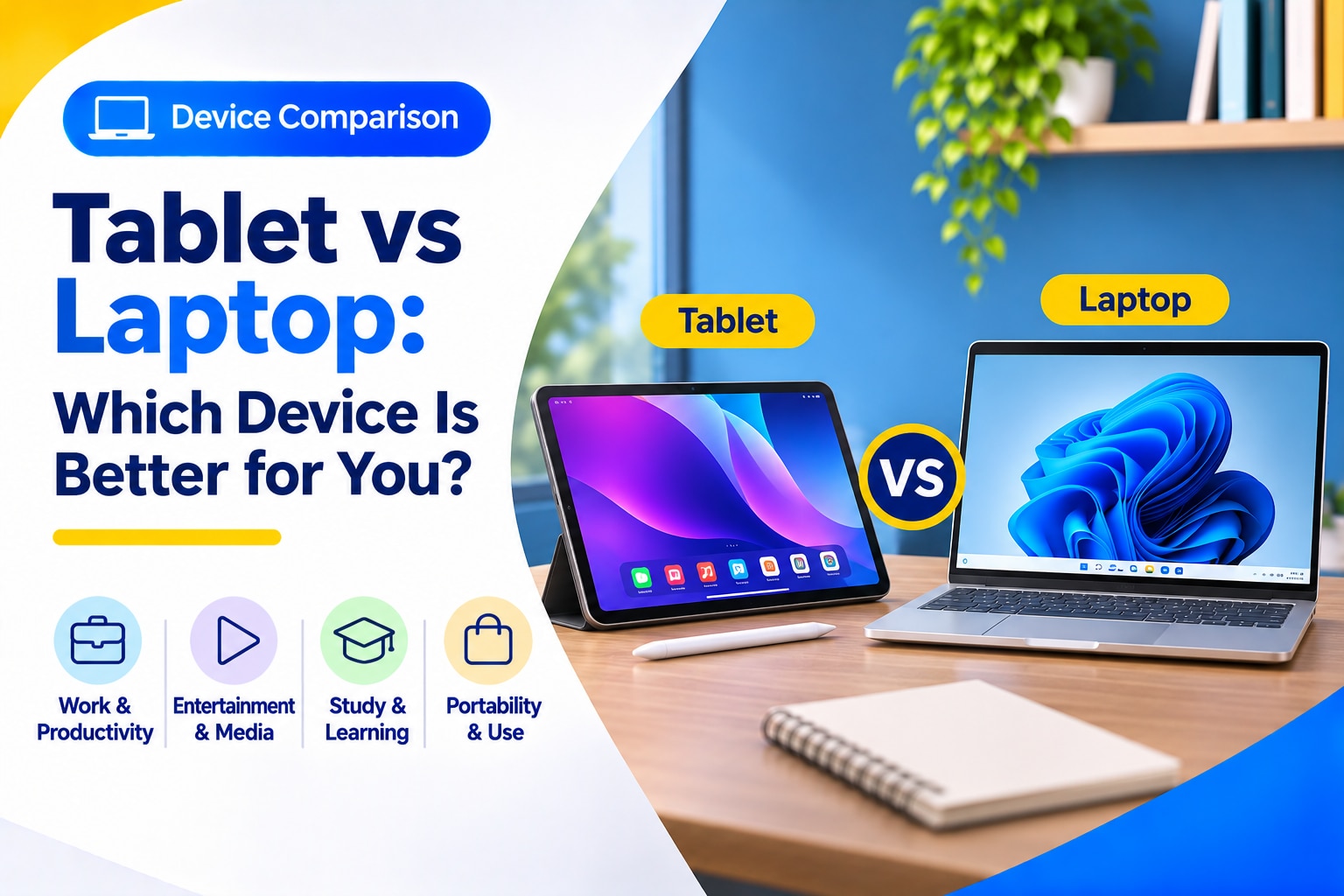
Tablets are built around touch and stylus input, run mobile-first operating systems, and prioritise portability and battery life over raw computing power. Laptops run full desktop systems like Windows or macOS, come with a proper physical keyboard, and are designed to chew through demanding, processor-heavy work without flinching. Neither is "better" overall: they are simply designed for different tasks.
Performance And Productivity: Tablet Vs Laptop

Processing Power And Multitasking
On raw performance, laptops have the clear edge. Something like the Lenovo IdeaPad Slim 5, powered by an AMD Ryzen 7 chip with 16GB of RAM, shrugs off heavy multitasking: a dozen browser tabs, spreadsheets, and design software running at once, without breaking a sweat. The Apple MacBook Air 13, with its 10-core Apple M5 chip, takes this even further, packing desktop-level power into a chassis that's thin enough to skip a fan entirely.
Tablets, meanwhile, are tuned for lighter, app-based multitasking rather than sustained heavy lifting. They're perfectly happy browsing, streaming, note-taking, or handling casual creative work, but they're not really built for compiling code, editing 4K footage, or running specialised engineering tools the way a laptop is.
Software, Keyboard And Productivity Features
This is where the gap between tablet and laptop software really shows itself. Laptops run the full, unrestricted versions of professional apps: the same design suites, dev environments, and productivity tools you'd find on any desktop. Tablets, on the other hand, rely on app-store versions of software, which tend to be stripped down compared to their desktop siblings, even once you've clipped on a keyboard accessory.
Typing is another real-world factor worth weighing. A laptop's built-in keyboard gives you tactile feedback that makes long emails, documents, and code noticeably faster and more comfortable to bang out. Tablets can be paired with keyboard accessories, sure, but that setup rarely matches a laptop's dedicated keyboard deck once you're typing for hours at a stretch.
Portability, Battery Life And Ease Of Use
Tablets win this round. Their lighter build and touch-first design make them easy to carry and use one-handed, whether you're commuting or lounging on the couch. Something like the Lenovo Tab Plus Gen 2 or the OnePlus Pad slides into a bag and usually offers more screen-on time per charge than most laptops, since mobile chipsets are built for efficiency rather than raw output.
Laptops are still portable, no doubt, but they're bulkier and generally burn through battery faster under heavy loads: gaming laptops with dedicated graphics cards especially. If you want all-day mobility without worrying about the charger, the tablet is the better choice.
Tablet Vs Laptop For Students And Work
For students, the right pick really hinges on what they're studying. If you're mostly taking handwritten notes, reading textbooks, and doing light research, a tablet is genuinely handy, especially with stylus support for scribbling on PDFs and diagrams. But if your work involves coding, data analysis, or specialised software in fields like engineering, computer science, or architecture, you'll likely need a laptop's full desktop muscle to keep pace.
The same logic applies to work. If your job is mostly email, video calls, and light document editing, a tablet can genuinely hold its own. But roles that involve spreadsheet modelling, heavily formatted presentations, or specialised business software still rely heavily on a laptop's processing power and software compatibility.
Tablet Vs Laptop For Different Use Cases

For Gaming, Programming, and Heavy Workloads
Serious gaming, software development, and heavy computing tasks are still firmly laptop territory. A gaming laptop like the HP Victus, with a dedicated NVIDIA GeForce RTX card on board, delivers the kind of sustained performance modern games demand at higher settings: something no tablet on the market can genuinely match. Developers lean on laptops for the same reason: running local dev environments, testing builds, and juggling multiple apps at once without lag.
For Reading, Entertainment And Creative Tasks
Tablets are particularly well-suited for reading, streaming, casual gaming, and stylus-driven creative work like sketching or digital painting. The touch-first interface just feels more natural for browsing and media than fumbling with a trackpad, and the portability means you can use one pretty much anywhere: in bed, on a train, curled up on the sofa.
Tablet Vs Laptop: Price And Value For Money
Rather than getting hung up on specific numbers, it's more useful to think about what each device gives you for your money. Entry-level tablets offer solid value if casual browsing, reading, and note-taking cover most of your needs.
Laptops, while usually the bigger investment, earn that cost back through far broader software compatibility and sustained processing muscle: value that becomes obvious the moment your work shifts from casual to serious. When you're weighing price against actual use, it's less about which device is cheaper and more about which one saves you from buying a second device later.
Should You Buy A Tablet Or Laptop?
Before deciding, ask yourself: will you be creating content that needs professional software, or mostly consuming content and jotting notes? If it's the former, a laptop is the safer bet. If it's the latter, a tablet will likely meet your needs while offering better portability and battery life.
Conclusion: Tablet Or Laptop? Which One Should You Choose?
There's no single answer: it depends on how you plan to use the device. This whole tablet vs laptop debate ultimately boils down to weighing portability and touch-friendly convenience against raw power and full software support. For many households, owning both is the most practical route, with each device covering what the other lacks.